EspoForge
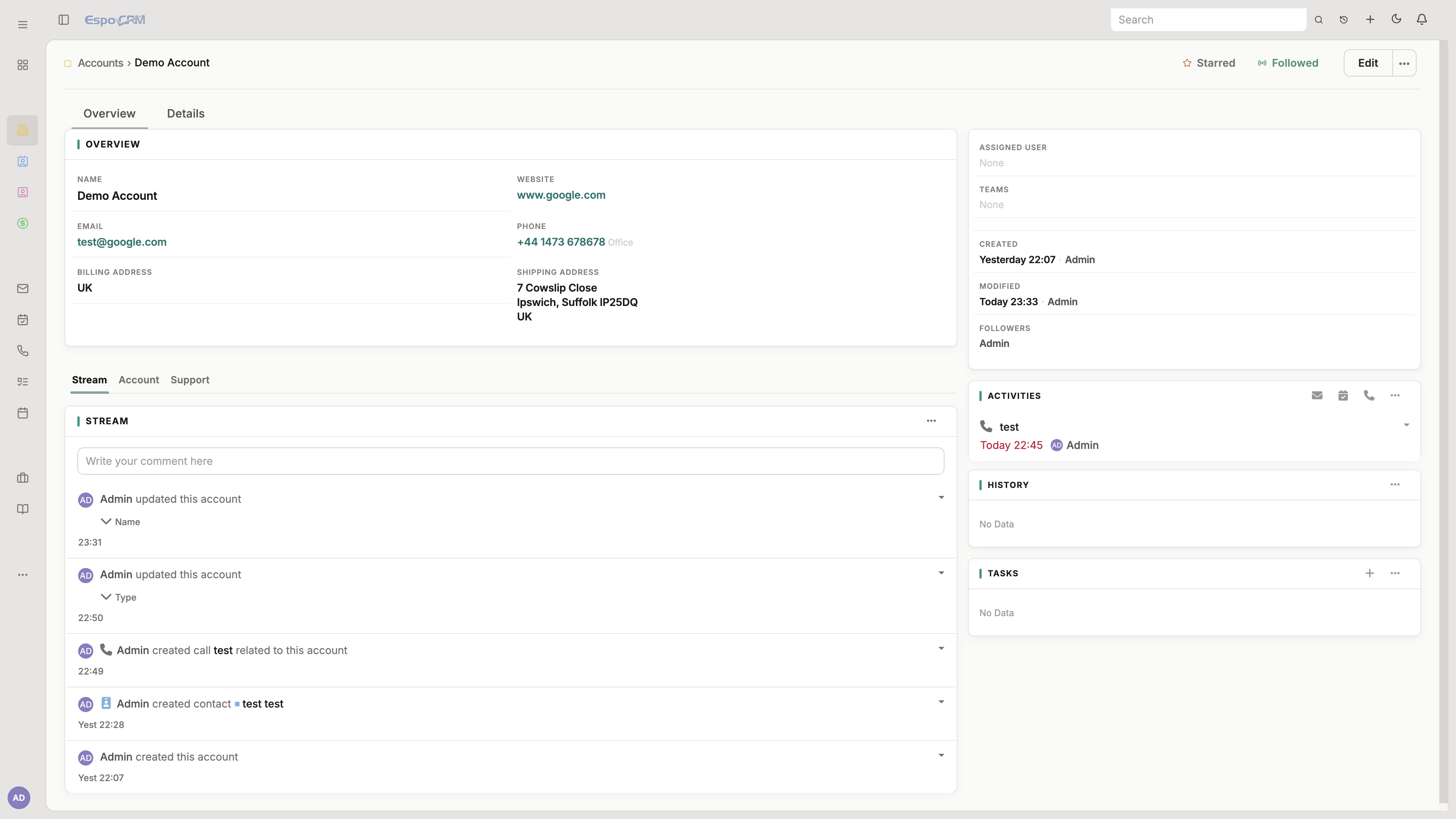
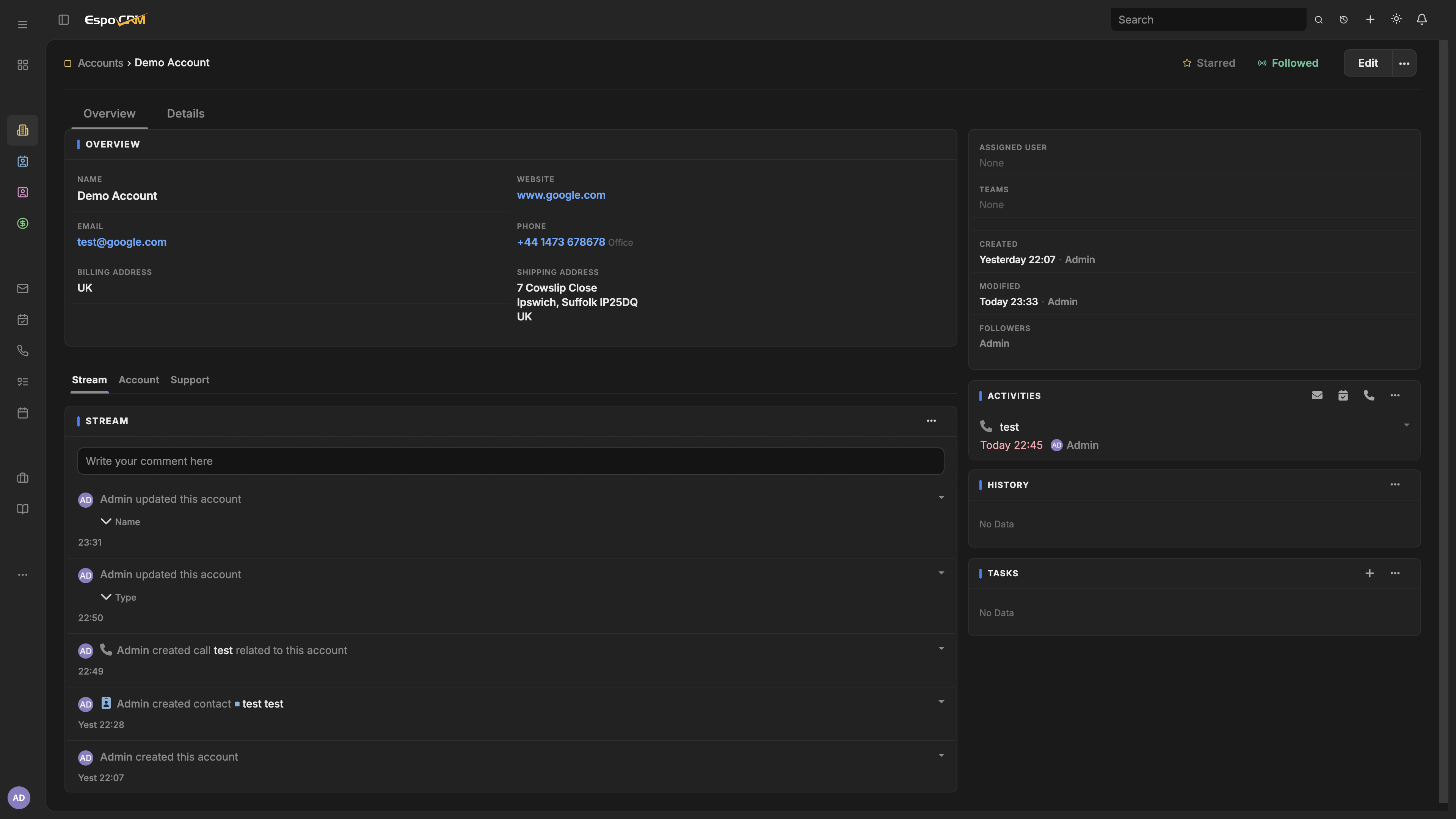
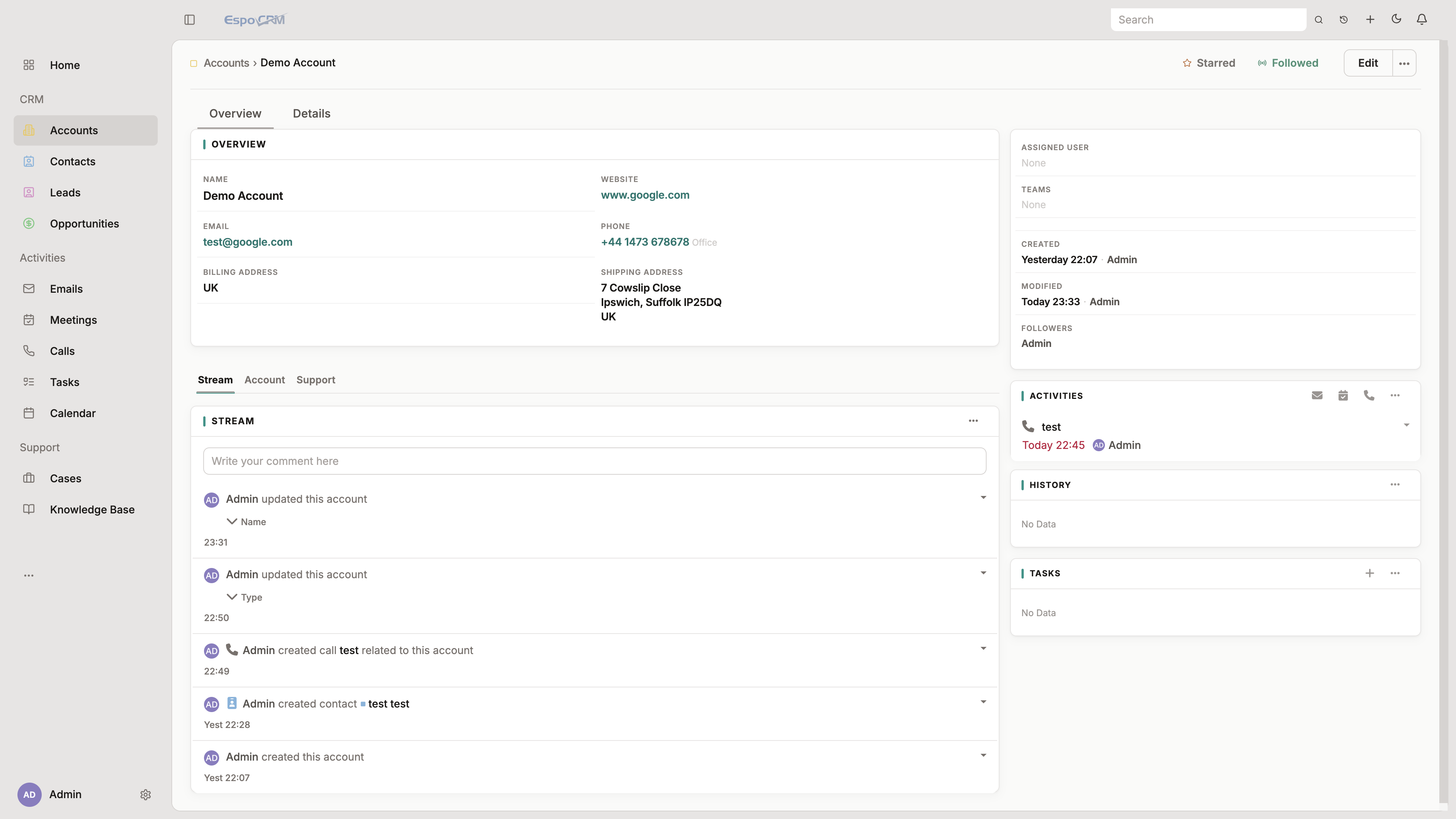
Themes forged for EspoCRM
Install polished skins in minutes. Built for teams who outgrew the stock look.
Catalog
Theme catalog
Redistributable EspoCRM skins, packaged for Extension Manager.
How it works
From ZIP to your Espo instance
01
Pick a theme
Choose a skin from the catalog. Every theme is packaged for Espo’s Extension Manager.
02
Install the ZIP
Upload in Administration → Extensions. Clear cache, then select the theme in User Interface.
03
Ship the look
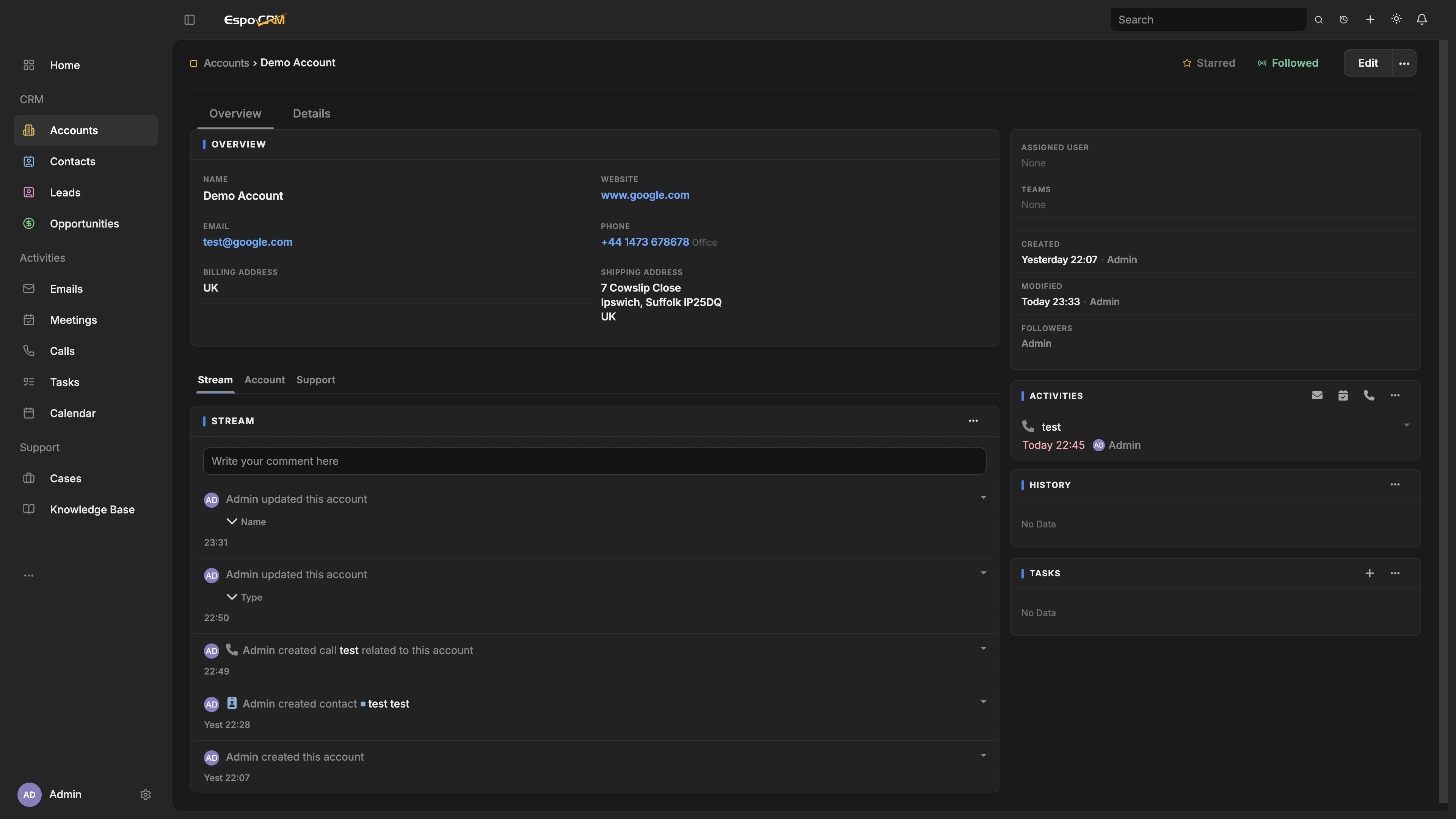
Light and Dark where available. Your CRM keeps working — it just looks intentional.
Start with Aether
Dual Light/Dark, custom login, and a quieter shell — ready for EspoCRM 8+.